

The launch of Nintendo's next-gen console, the Nintendo Switch 2, has been a massive hit, racking up impressive sales and sparking tons of buzz. But even next-gen consoles aren't immune to a few teething troubles. Recently, Nintendo officially acknowledged that some Switch 2 users are experiencing a weird battery display glitch and has now dropped a detailed DIY fix for players to tackle it themselves. 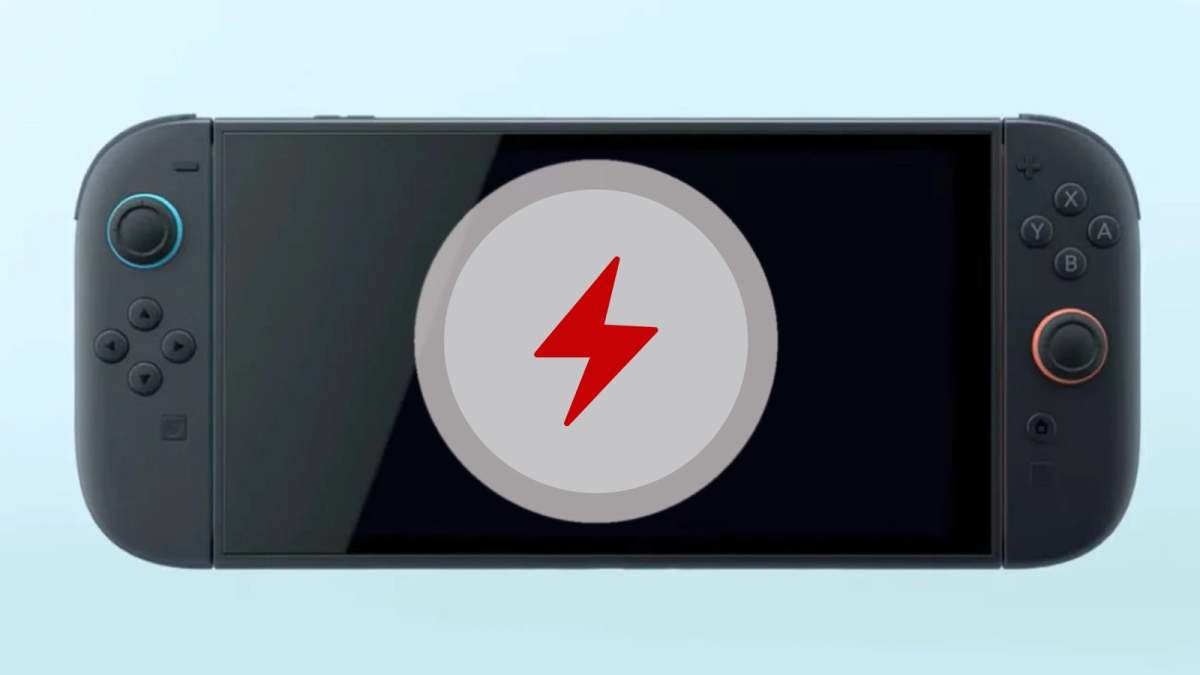
Good news: it's not a faulty battery. The issue stems from a system miscalculation, causing the console to incorrectly show "battery almost depleted" when there's actually plenty of juice left.
According to Nintendo, the problem is tied to the battery calibration mechanism. Their first recommendation? Dive into the console's hidden "Recovery Mode." You can fire this up by holding down both the Volume Up (+) and Volume Down (-) buttons while powering on the console. Just getting into this mode might be enough for the system to recalibrate its battery level assessment.
If Recovery Mode doesn't do the trick, Nintendo has a more intensive reset procedure. Players need to charge their console to 100%, then leave it plugged in for an additional hour before unplugging. Next, let the console naturally drain its battery for three to four hours. Once it's almost completely dead, power it off and let it rest for at least 30 minutes. Then, repeat this entire cycle several times. Nintendo states, "By repeatedly performing this process, the battery charge display will gradually improve."
To make this process even more effective, Nintendo also suggests tweaking three "Auto-Sleep" settings (for when using the console screen, connected to a TV, and playing media content) to "Never." This prevents the console from entering sleep mode during the crucial battery calibration period.
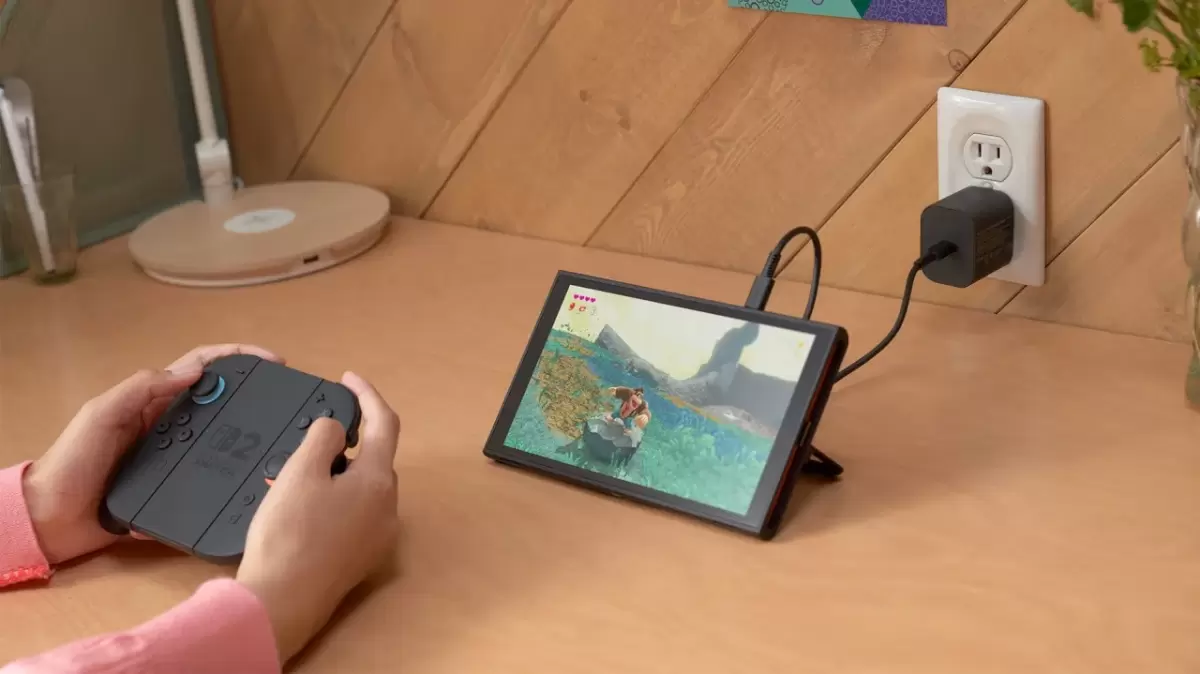
Here's the detailed walkthrough:
1. Ensure your console is updated to the latest system version.
2. Set all three auto-sleep settings to "Never."
3. Connect the AC adapter directly to the console for charging.
4. Charge until the battery display shows 100%, or at least for three continuous hours.
5. Keep it connected and let the console charge for an additional hour.
6. After one hour, unplug the AC adapter and leave the console on the Home screen for approximately three to four hours.
7. Let the console's battery drain until it's almost completely depleted.
8. Power off the console and leave it idle for at least 30 minutes.
9. Repeat steps 3 through 6 several times.
As of now, there's no widespread recall or system update to patch this issue, meaning players will have to rely on these manual adjustments. Nintendo also advises that if these methods don't work, it's best to send your Switch 2 in for repair.

While this glitch might be a minor headache for some users, it also highlights Nintendo's commitment to the product experience. Plus, the player community is already digging up other cool hidden features on the Switch 2, like a GameCube-esque boot-up Easter egg and clever workarounds to turn smartphones into Switch 2 cameras, showcasing the incredible creativity and passion of the fanbase.
via: IGN